Game Controls
PC
- WASD: Move
- Mouse: Look around
- E: Pick up or use objects
- C: Crouch
- Space: Drop an item
- R: Hide or place a plank
- Hold F: Free yourself from a bear trap
- Left Mouse Button: Shoot when equipped with a weapon
- Esc: Pause the game
Mobile
- Virtual Joystick: Move
- Swipe: Look around
- On-Screen Buttons: Interact, crouch, drop items, hide, escape traps, or shoot
- Pause Button: Open the pause menu





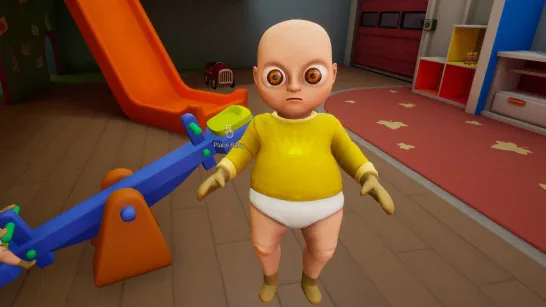
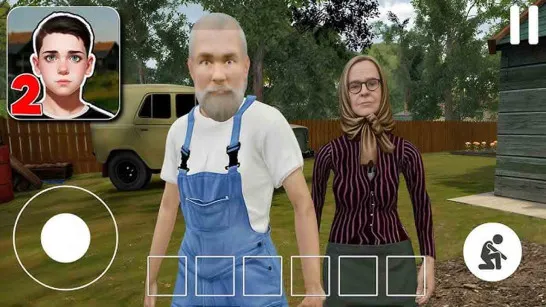
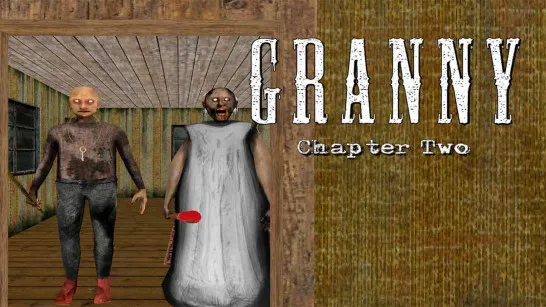



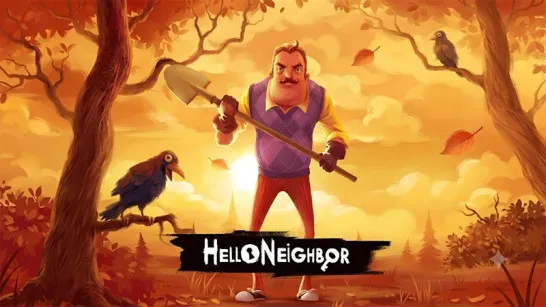













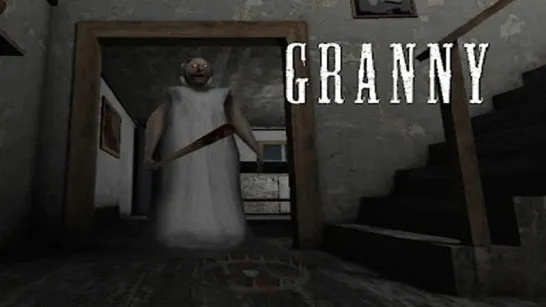



Granny Horror 3
Granny Horror 3: Five Days to Escape the Nightmare
Granny Horror 3 is a first-person survival horror game where you wake up trapped inside a creepy mansion guarded by Granny and Grandpa. Granny hears almost everything, including objects dropped on the floor, while Grandpa has poor hearing but carries a dangerous shotgun. You have only five days to find a way out, and getting caught costs you another day.
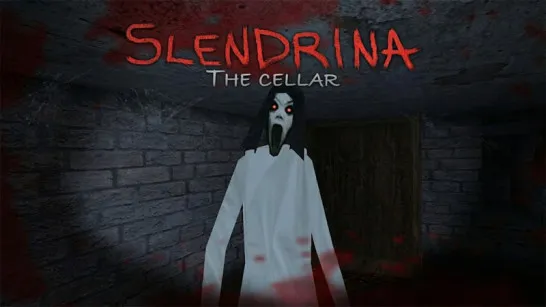
Explore dark rooms, search for keys and tools, and solve interconnected puzzles while avoiding your pursuers. Slendrina and other hidden dangers make the mansion even more terrifying. Whether you escape through the main gate, an underground train, or a hot-air balloon, survival depends on stealth, careful planning, and quick decisions.
Survival Horror Features
- Five-Day Escape Challenge: Every time you get caught, you lose a day and may suffer injuries that affect your movement.
- Different Enemy Behaviors: Granny follows sounds, Grandpa attacks with a shotgun, and Slendrina punishes you for looking at her.
- Three Escape Routes: Unlock the main gate, prepare the underground train, or assemble a hot-air balloon.
- Stealth and Distractions: Hide under beds, enter wardrobes, crouch past noisy floors, and use objects to lure enemies away.
- Replayable Challenges: Experiment with different item layouts, enemy selections, and optional Nightmare settings.
How to Play Granny Horror 3
Search the mansion for useful items, avoid dangerous enemies, and complete one of the escape routes before your fifth day ends.
Gameplay Guide
Start by exploring rooms, drawers, cupboards, and hidden areas to collect keys, tools, and other useful objects. You can carry only one item at a time, so remember where you leave important equipment.
Use your discoveries to unlock doors, restore power, and solve puzzles. Move quietly because Granny reacts to noise, while Grandpa can attack when he spots you. Watch for bear traps, and look away immediately if Slendrina appears.
If you get caught, you wake up on the next day. Previously unlocked mechanisms and installed items remain in place, allowing you to continue working toward your escape.
Difficulty Modes
Choose from five difficulty settings to match your survival skills:
- Practice: Explore the mansion without Granny and Grandpa, although other dangers may remain.
- Easy: Granny and Grandpa move more slowly, and creaking floors are disabled.
- Normal: Enemies move at standard speed, with creaking floors enabled.
- Hard: Both enemies move faster, making stealth and timing more important.
- Extreme: Granny and Grandpa move extremely fast and are always inside the house.
Game Controls
PC
- WASD: Move
- Mouse: Look around
- E: Pick up or use objects
- C: Crouch
- Space: Drop an item
- R: Hide or place a plank
- Hold F: Free yourself from a bear trap
- Left Mouse Button: Shoot when equipped with a weapon
- Esc: Pause the game
Mobile
- Virtual Joystick: Move
- Swipe: Look around
- On-Screen Buttons: Interact, crouch, drop items, hide, escape traps, or shoot
- Pause Button: Open the pause menu
Tips to Escape Granny and Grandpa
- Move quietly: Avoid dropping objects and stepping on creaky floors near Granny.
- Use distractions: Throw an object away from your route to lure Granny toward another area.
- Track important items: Remember where you find keys, tools, and escape equipment since you can carry only one item.
- Choose an escape route early: Focus on the items required for the gate, train, or hot-air balloon.
- Practice before harder modes: Explore the mansion in Practice Mode to learn its layout and puzzle locations.
More Horror Games
Discuss Granny Horror 3