
Game Controls
- Mouse Click - Select sound icons
- Drag with Mouse - Assign icons to characters
- Reset Button - Restart the mix


















Spukaghytjykiujlojhyht6r53e423w5egthygyujiujk
About Spukaghytjykiujlojhyht6r53e423w5egthygyujiujk Game
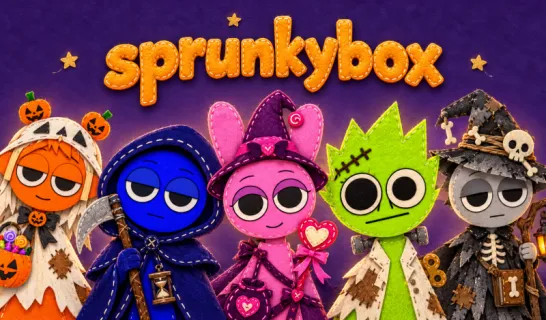
Spukaghytjykiujlojhyht6r53e423w5egthygyujiujk is a strange but entertaining online music mod where players experiment with sound loops using a lineup of animated characters. Despite the chaotic name, the gameplay is actually very simple. Players combine sound icons to build their own rhythm and musical patterns.
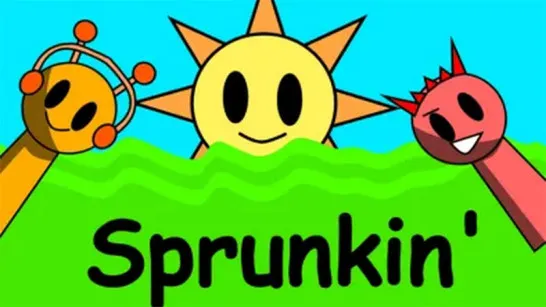
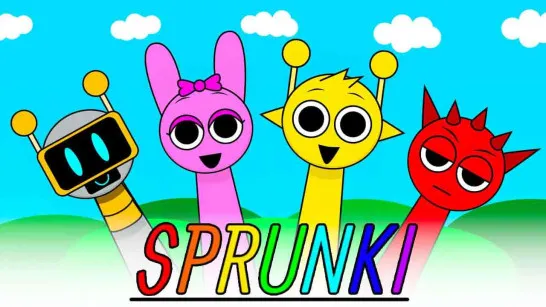
The overall structure feels familiar to fans of Sprunki-style music games. The game focuses on creativity. You mix sounds, watch characters animate, and build your own musical sequence.
How to Play Spukaghytjykiujlojhyht6r53e423w5egthygyujiujk
Step 1: At the start, you’ll see a row of characters standing on the screen. Beneath them is a panel filled with colorful icons. Each icon represents a different sound, such as beats, effects, or vocal-style elements.
Step 2: Choose a sound icon. Click or drag one of the icons from the panel. Each icon corresponds to a unique sound that can be added to your mix.
Step 3: Assign the icon to a character. Place the icon onto one of the characters. Once assigned, the character will begin performing that sound in a repeating loop.
Step 4: Build your music mix. Add more icons to other characters to layer multiple sounds together.
Step 5: Experiment with combinations. Try different icon combinations to discover new sound patterns. Like many Sprunki-style mods, the fun comes from experimenting and seeing how different sounds blend together.
Game Controls
The controls are simple and fully mouse-based:
- Mouse Click - Select sound icons
- Drag with Mouse - Assign icons to characters
- Reset Button - Restart the mix
Because the interface is straightforward, even new players can start experimenting immediately.
Tips for Creating Better Sound Loops
- Start simple: Add a few sounds first to understand the rhythm.
- Experiment freely: Unexpected icon combinations often create the most interesting mixes.
- Watch the characters: Their animations help you see how each sound fits into the loop.
Player Discussion
Players in the Sprunki mod community often describe Spukaghytjykiujlojhyht6r53e423w5egthygyujiujk as one of those weird but entertaining mods. Many comments focus on how unexpectedly smooth the animations look compared to its chaotic name and presentation. Several community comments also highlight the humor and randomness of the mod. Players enjoy trying strange icon combinations just to see what kind of unusual sounds or animations appear. Overall, discussions around the game tend to frame it as a fun experimental Sprunki mod rather than a serious rhythm challenge.
Jump into Spukaghytjykiujlojhyht6r53e423w5egthygyujiujk now, mix bizarre sound loops, experiment with characters, and see what kind of chaotic Sprunki-style music you can create!
Discuss Spukaghytjykiujlojhyht6r53e423w5egthygyujiujk