Game Controls Guide
Single Player
- Left Click / Up Arrow / Spacebar - Hold to fly upward
- Release - Dive downward
Multiplayer
- Player 1: Up Arrow / Space
- Player 2: H
- Player 3: L
- Player 4: Additional assigned key (depending on mode)




















Geometry Vibes
About Geometry Vibes Game
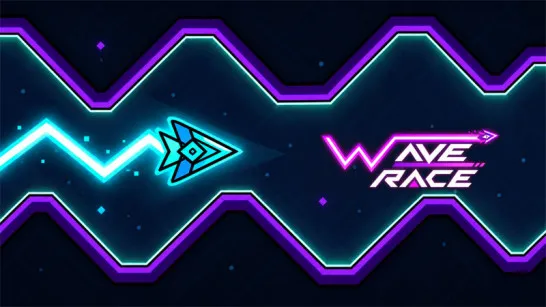
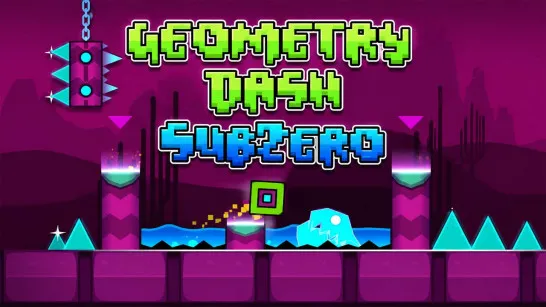
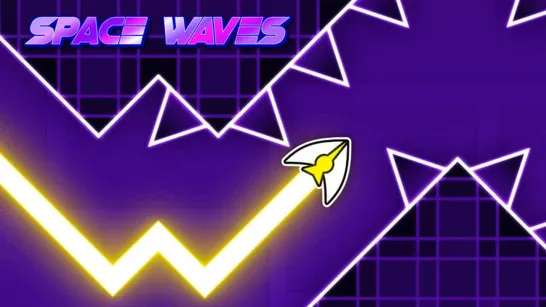
Geometry Vibes is a fast-paced rhythm arcade game that combines wave-style navigation with music-driven gameplay. Players control a glowing arrow, guiding it through vibrant, obstacle-packed courses using simple one-button taps that sync perfectly with the beat.
As a spiritual successor to the legendary Geometry Dash, Geometry Vibes enhances the classic formula by introducing new rhythm modes, real-time multiplayer races, customizable cosmetic skins, and dynamic music-synced levels that react to the soundtrack. The game emphasizes precise timing, rhythm mastery, and high-score chasing while delivering the same addictive, reaction-based challenge that made Geometry Dash a global phenomenon among players who love fast-paced, skill-based arcade experiences.
Geometry Vibes Key Features
The controls are easy to understand, but every mode pushes your reaction speed in a different way.
Rhythm-based flying gameplay
- Three game modes: Classic, Endless, and Race
- Local multiplayer for 2-4 players
- Bright neon visuals and dynamic effects
- Customizable arrows, colors, and trails
- Progressive difficulty and faster speeds
- Music synchronized with gameplay
- Simple one-button controls
One reason the game has become popular is its multiplayer Race Mode. Friends can compete on the same keyboard, turning every level into a fun battle of reflexes and concentration.
How to Play Geometry Vibes
Your objective is simple: keep your arrow alive for as long as possible while weaving through dangerous obstacles.
- Control Your Flight: Hold the button to make the arrow rise, then release to descend. Every movement must be carefully timed to avoid crashing.
- Survive Dangerous Obstacles: Navigate through spikes, moving blocks, narrow passages, fake openings, and rapidly changing layouts. As the game speeds up, every mistake becomes more costly.
- Unlock New Cosmetics: As you continue playing, you can unlock different arrow skins, colors, and tail effects to personalize your runs.
Try Every Game Mode
- Classic Mode features 10 handcrafted levels that gradually increase in difficulty.
- Endless Mode generates obstacles continuously, challenging you to survive and beat your longest distance.
- Race Mode lets two, three, or four players compete locally to see who reaches the finish line first without crashing.
Game Controls Guide
Single Player
- Left Click / Up Arrow / Spacebar - Hold to fly upward
- Release - Dive downward
Multiplayer
- Player 1: Up Arrow / Space
- Player 2: H
- Player 3: L
- Player 4: Additional assigned key (depending on mode)
Helpful Tips for Better Runs
- Focus on the path ahead instead of your arrow.
- Let the music help you maintain a steady rhythm.
- Avoid overcorrecting with long button presses.
- Practice Classic Mode before tackling Endless Mode.
- Stay relaxed - panic often leads to unnecessary crashes.
Similar Rhythm Arcade Games
Are you looking for a game that combines rhythm, lightning-fast reflexes, and endless replayability? Geometry Vibes is an excellent choice. Pick your favorite mode, follow the beat, and see how far your skills can take you.
Discuss Geometry Vibes