
GTA: Gangster Squad Controls Guide
Movement Controls
- Move: WASD or Arrow Keys
- Toggle Walk/Run: Caps Lock
- Sprint: Left Shift
- Roll / Dodge: Spacebar
Exploration & Interaction
- Interact / Perform Parkour Actions: E
- Take Cover: Q
- Switch Camera Shoulder: V
Combat Controls
- Fire Weapon: Left Mouse Button
- Aim: Right Mouse Button
- Reload: R
- Melee Attack: F
- Activate Class Skill: G
- Zoom Scope: Mouse Wheel Up
- Switch Weapons: Mouse Scroll Wheel or Tab
Additional Controls
- Taunt: T
- Pause Menu: P or ESC
















GTA: Gangster Squad
About GTA: Gangster Squad
GTA: Gangster Squad is an open-world action game inspired by the classic Grand Theft Auto formula. Players step into the shoes of a rising criminal in a sprawling city filled with missions, fast cars, dangerous rivals, and endless opportunities for chaos. Whether you're stealing vehicles, completing gangster jobs, escaping police pursuits, or simply exploring the urban environment, the game delivers the freedom and excitement that fans of crime-based sandbox games love.
Much like other titles in the GTA series, GTA: Gangster Squad combines driving, shooting, exploration, and mission-based progression into one action-packed experience. Every street corner presents a new challenge, making each session feel unpredictable and entertaining.
The game captures many of the elements that made the Grand Theft Auto series so popular:
- Open-world exploration
- Crime-themed missions
- Vehicle theft and driving
- Third-person action gameplay
- Urban city environments
- Police chases and escapes
- Character progression through missions
Getting started is simple, but becoming a top gangster requires practice.
How to Play GTA: Gangster Squad
Follow this basic gameplay loop
- Explore the city.
- Accept missions from various contacts.
- Complete objectives to earn rewards.
- Unlock new opportunities and challenges.
- Expand your influence throughout the city.
Getting around the city and surviving dangerous encounters is straightforward thanks to the game's intuitive control scheme.
GTA: Gangster Squad Controls Guide
Movement Controls
- Move: WASD or Arrow Keys
- Toggle Walk/Run: Caps Lock
- Sprint: Left Shift
- Roll / Dodge: Spacebar
Exploration & Interaction
- Interact / Perform Parkour Actions: E
- Take Cover: Q
- Switch Camera Shoulder: V
Combat Controls
- Fire Weapon: Left Mouse Button
- Aim: Right Mouse Button
- Reload: R
- Melee Attack: F
- Activate Class Skill: G
- Zoom Scope: Mouse Wheel Up
- Switch Weapons: Mouse Scroll Wheel or Tab
Additional Controls
- Taunt: T
- Pause Menu: P or ESC
Similar Games Must Try
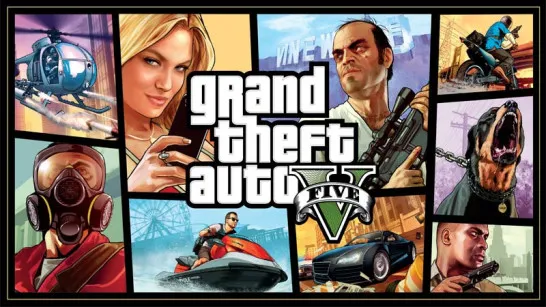
- Grand Theft Auto
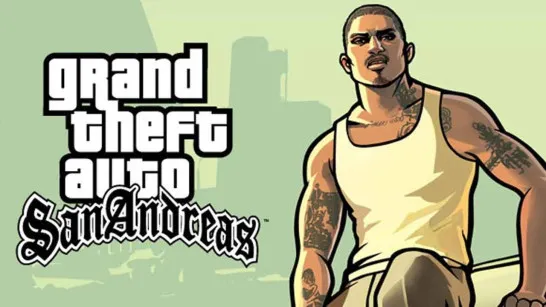
- GTA: San Andreas
- GTA: Vice City
- Dude Theft Auto
Discuss GTA: Gangster Squad